
This section describes the procedure to install and deploy the EPM Agent in the system. It is compulsory to have EPM Agent installed on the endpoints to access the applications using Sectona privileges. EPM Agent communicates with Sectona Web Access component via port 3490.
This section covers:
Before You Begin
-
Ensure you have system administrator rights.
-
Your network administrator has enabled the required port for communication with Sectona Web Access.
Installing EPM Agent on the Endpoints
Once logged in as a administrative user, select Platform Configuration from the product navigator. From System section → click on About → Components tab. Click on the the download button of Sectona EPM Agent to download the Sectona.Vault.EPMAgent.msi file. Click on Save File button.
Double click on the downloaded file and click on the Run button to run the setup.
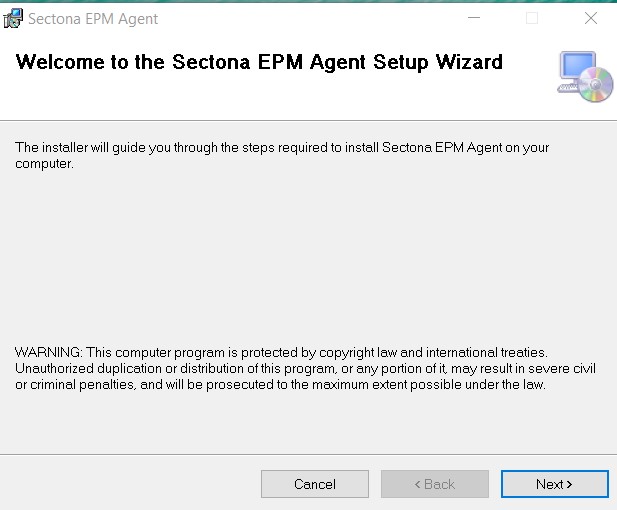
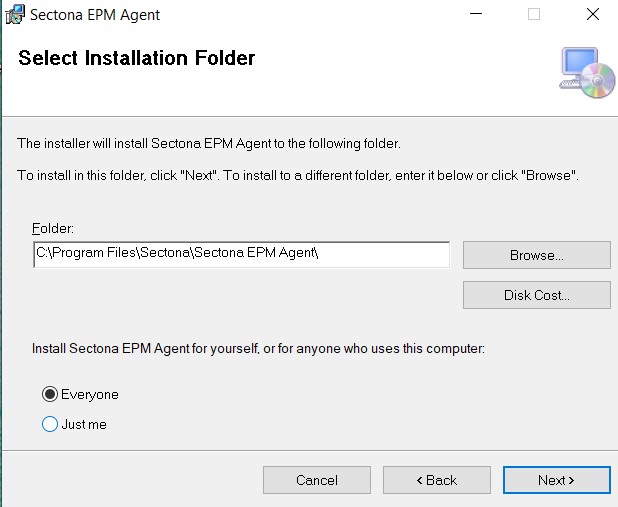
Enter the directory you would like to save the installation file.
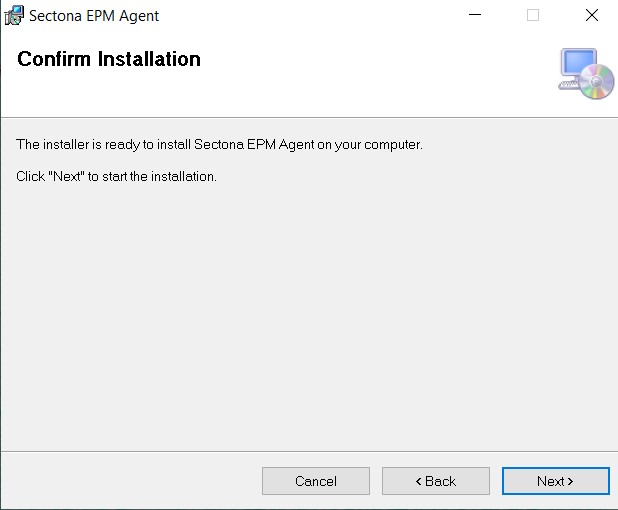
Click on the Next button.
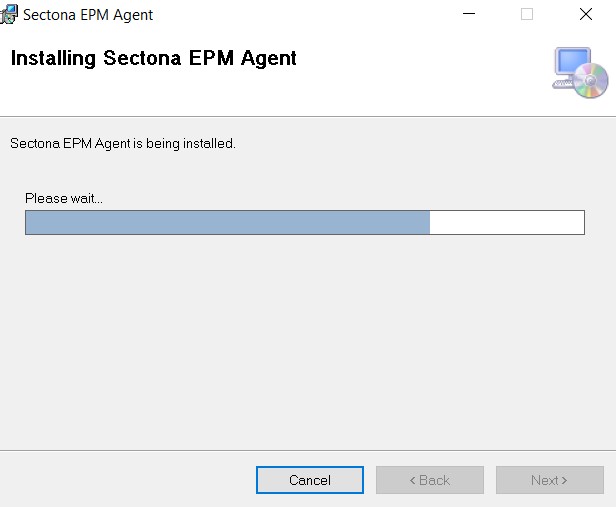
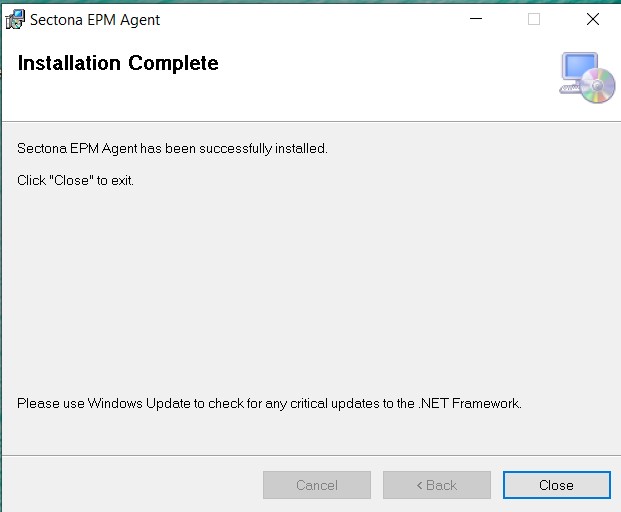
The installation process begins.
Click on the Close button to exit the installation.
Installing endpoints remotely
Once the endpoints are discovered through asset discovery, the endpoints where the application needs to be installed will have to be selected and the installation on these selected endpoints will be done remotely from EPM server.
Reinstalling/Uninstalling EPM Agent
To reinstall/uninstall EPM agent on then endpoint, follow the given steps:
-
Login to the system and select EPM from the product navigator.
-
Navigate to Manage → Manage Assets → All Assets.
-
Click on the more options (3 dot) icon of the endpoint on which you want to reinstall/uninstall EPM agent.
-
Click on the Additional Info option.
-
Select the Agent Status tab and click on the more options (3 dot) icon.
-
Click on the Reinstall button to reinstall the agent
-
Click on the Uninstall button to uninstall the agent