
The RNA (Remote Network Access) Proxy Server is a server-side component designed to provide secure connectivity across isolated network zones. It serves as an intermediary gateway between RNA Proxy Connectors deployed within protected networks and PAM components or end users located in accessible network zones.
The RNA Proxy Server securely relays traffic between connected parties, enabling controlled access to target resources without requiring direct network connectivity across security boundaries.
Before You Begin
-
You have valid login details of Sectona PAM.
-
You have administrator privileges on the server you are installing the RNA Proxy components.
Installing Sectona RNA Proxy Server
-
The Sectona RNA Proxy Server can now be downloaded directly from the Platform Configuration screen.
-
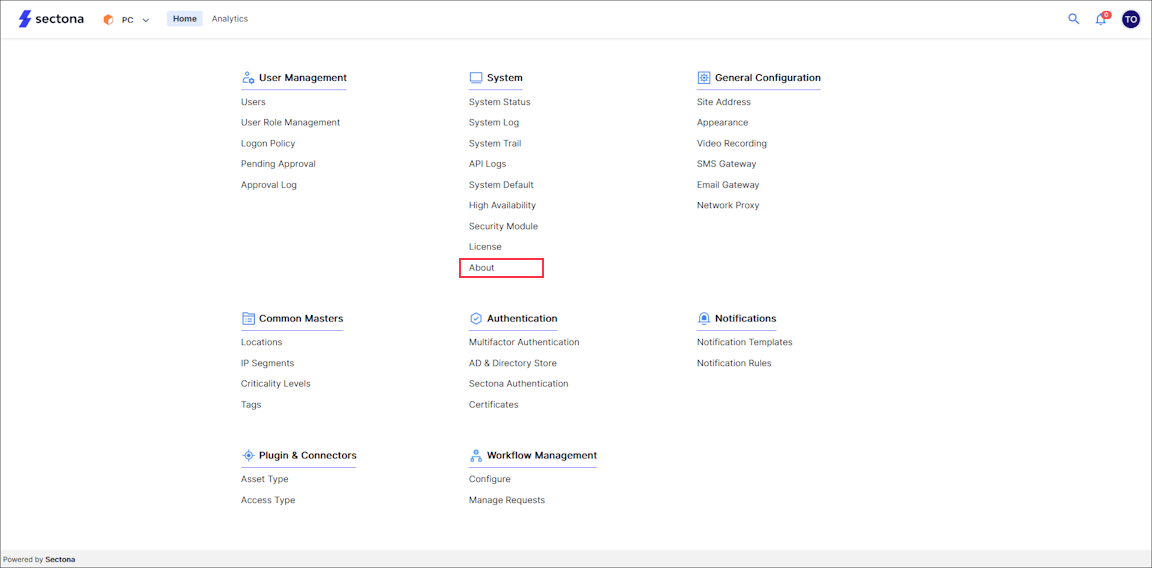
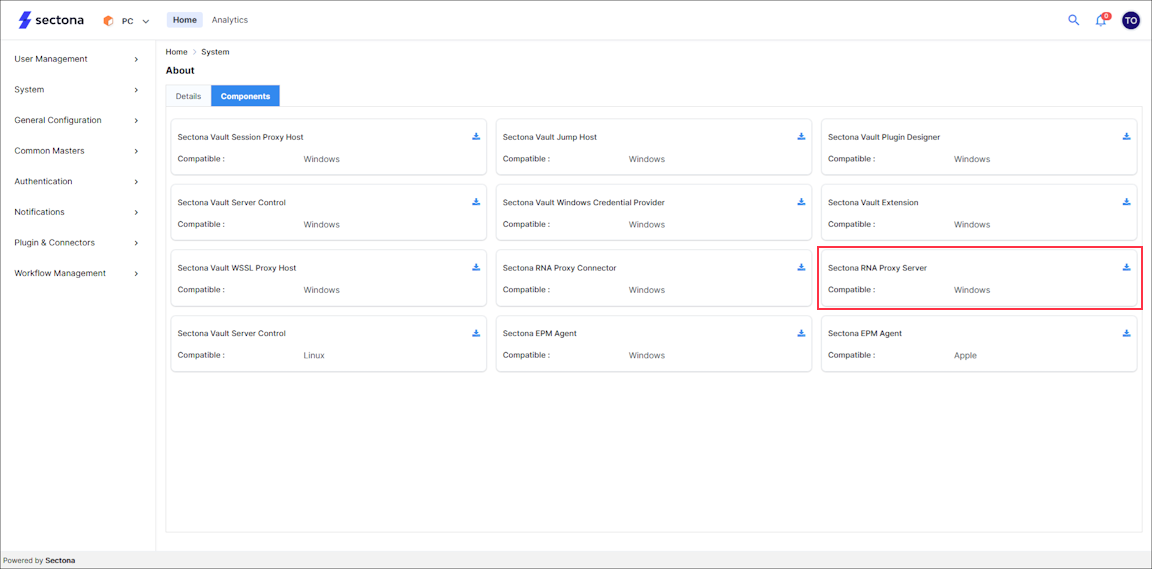
Navigate to the Components tab to view all components available for download. Locate the Sectona RNA Proxy Server in the list and click Download to obtain the installation package.
-
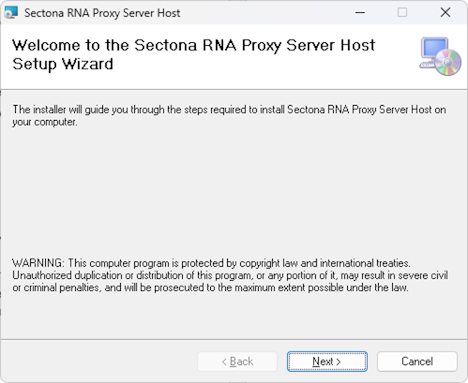
Start the Sectona RNA Proxy Server installation package. Upon launching the installer, the Welcome page is displayed. Review the information presented and click Next to continue with the installation process.
-
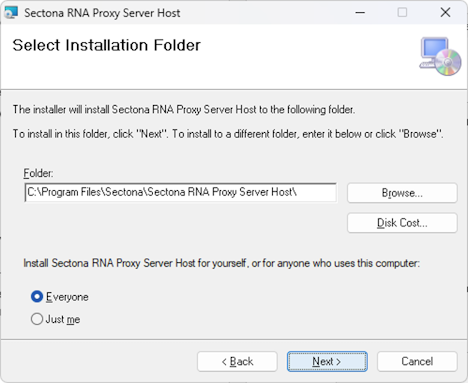
Select the installation directory for the Sectona RNA Proxy Server by clicking Browse. To view the required disk space, click Disk Cost. Choose whether to install the application for the current user (Just me) or for all users of the computer (Everyone). Once the desired options have been selected, click Next to continue.
-
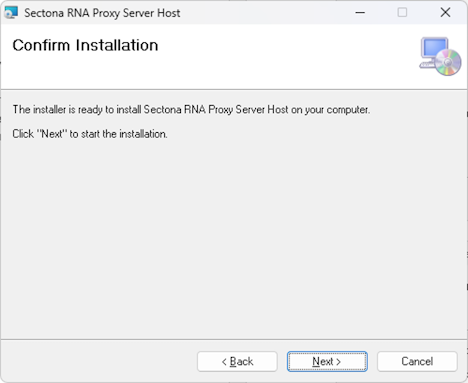
Click on Next to confirm the installation.
-
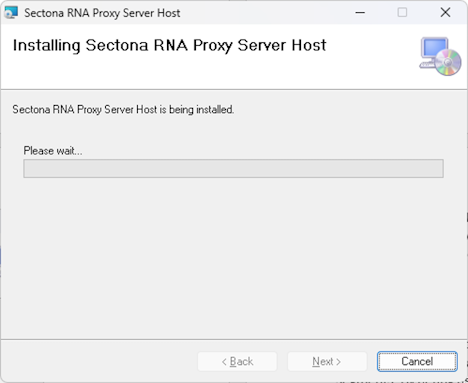
The installation process begins and may take a few moments to complete.
-
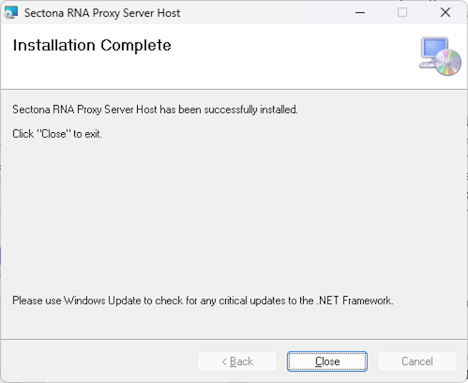
After the installation is successfully completed, click Close to exit the setup wizard.
Configure the Sectona RNA Proxy Server to connect with the PAM Server.