Download Sectona Launcher for Mac
-
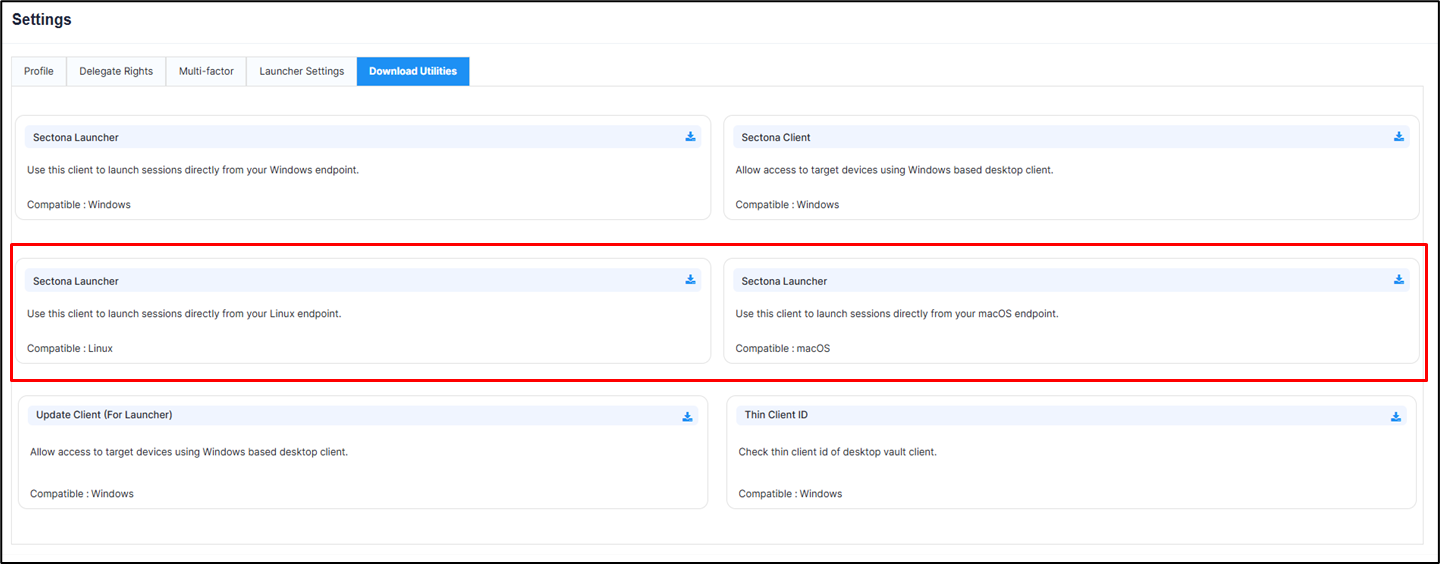
The Download Utilities tab include the Sectona Launcher for Mac operating systems.
-
Navigate to PAM → Settings → Download Utilities.
-
Click Download to download the launcher package.
Install Sectona Launcher on Mac
Sectona Launcher sessions for Mac are supported only via the Jump Server.
-
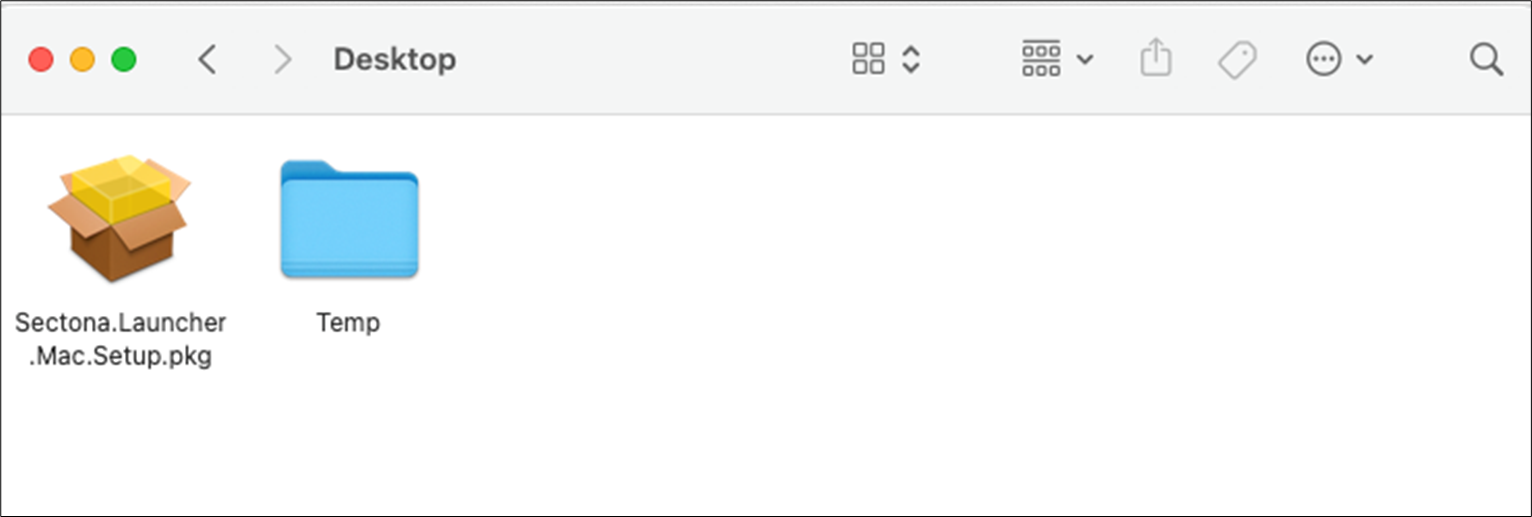
Download “Sectona.Launcher.Mac.Setup.pkg” on a MacOS (13+) machine.
-
Double-click “Sectona.Launcher.Mac.Setup.pkg”to start the installation wizard.
-
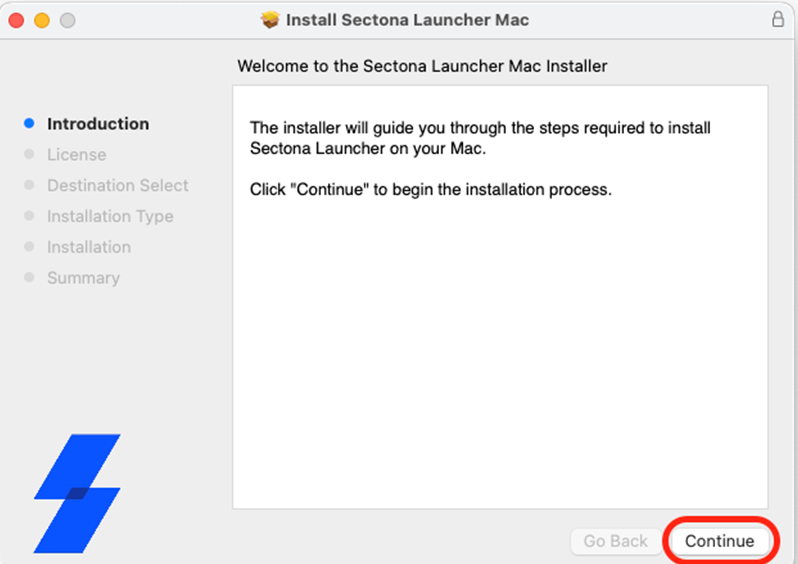
On the installer welcome screen, click Continue.
-
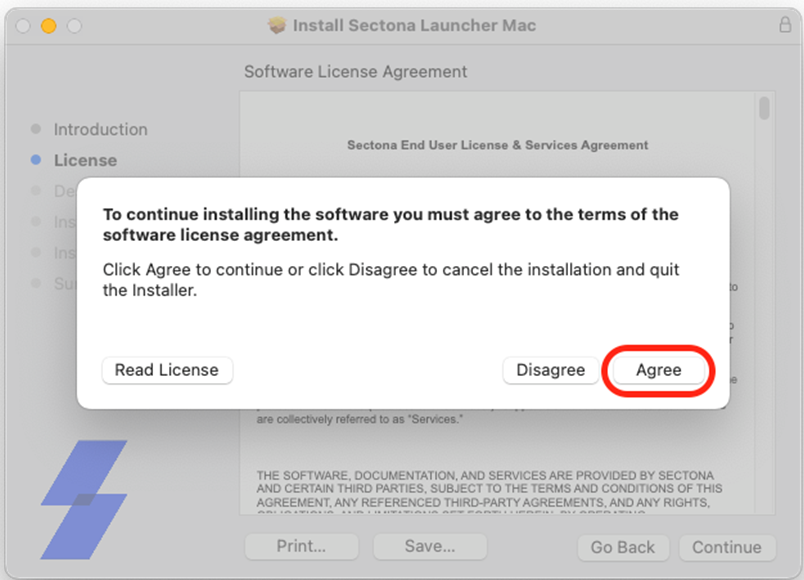
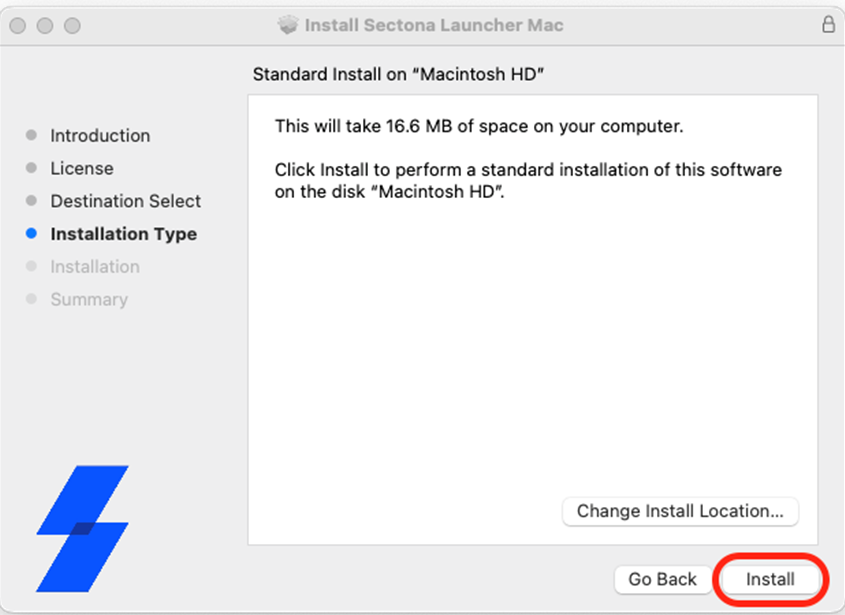
Review the installation details and click Install.
-
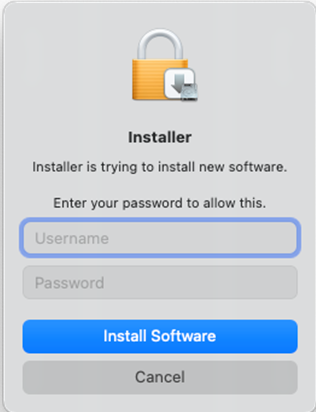
Enter the macOS administrator username and password, then click Install Software.
-
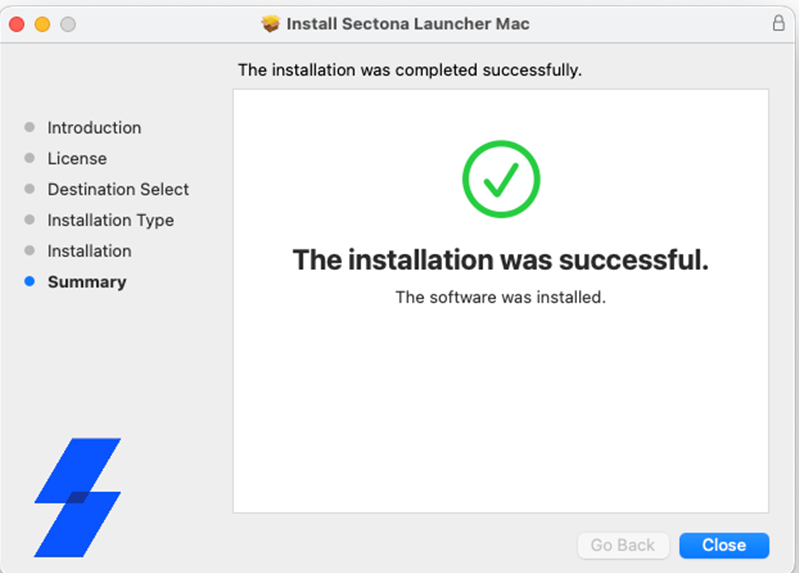
Wait for the installation to finish, then click Close.
-
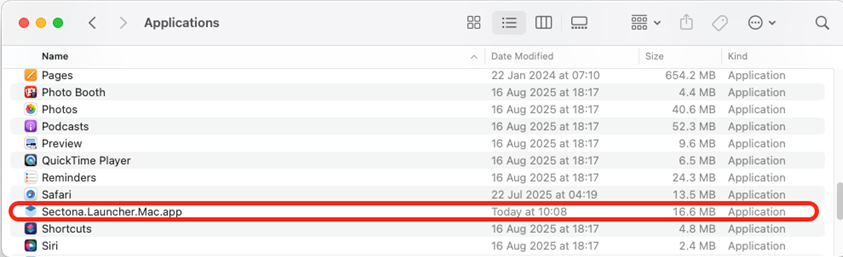
Open the Applications folder and verify that Sectona Launcher is installed.