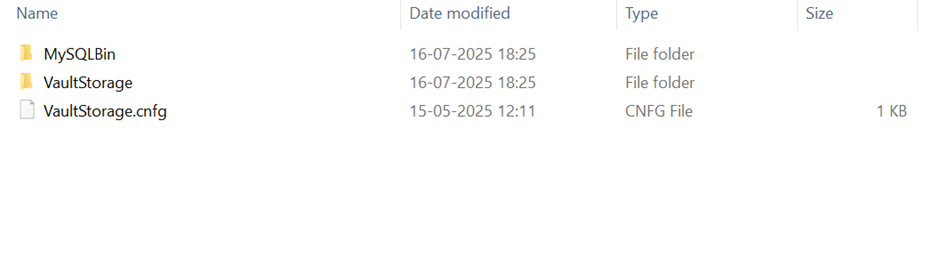
Step 1: Run the Application Installer and select the Uninstall option
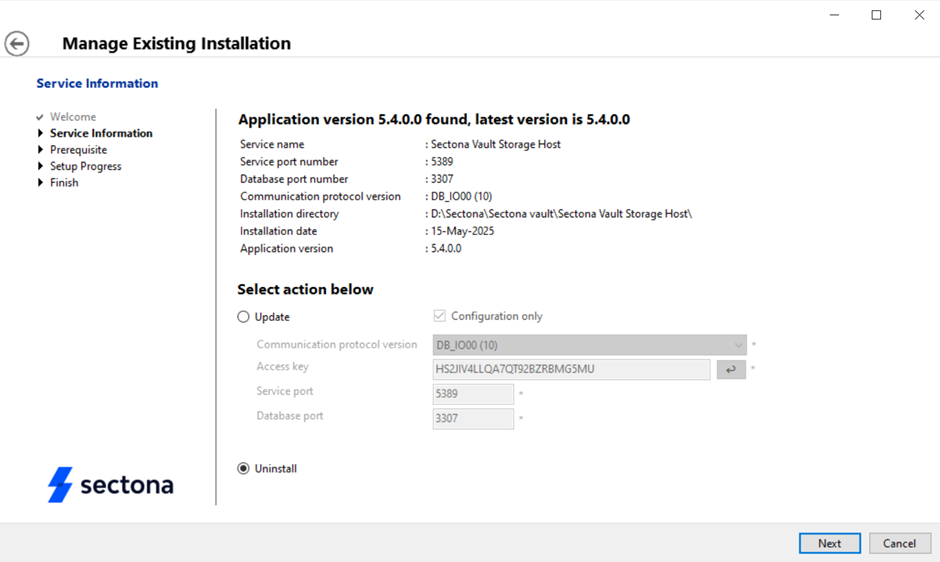
Step 2: Run the Sectona Vault Installer and then click on the Uninstall option
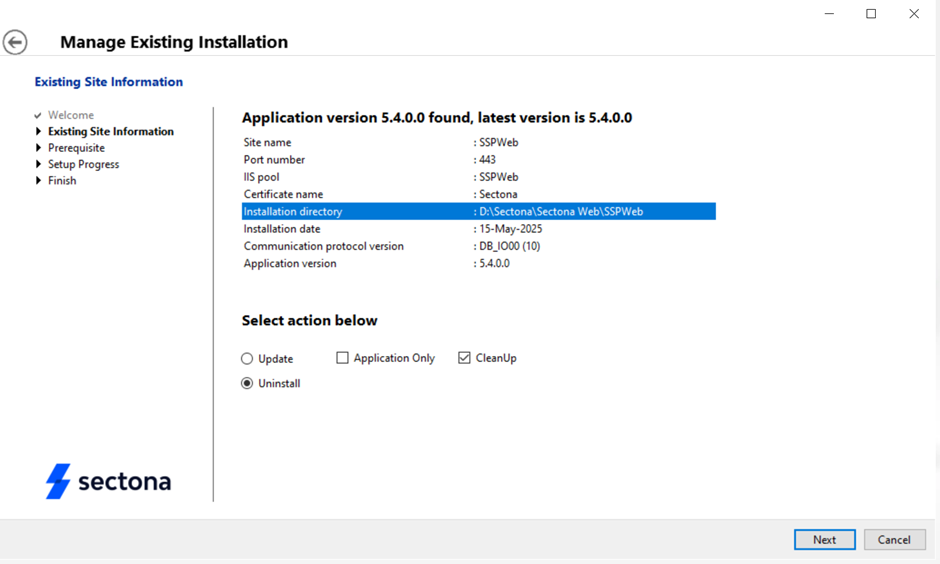
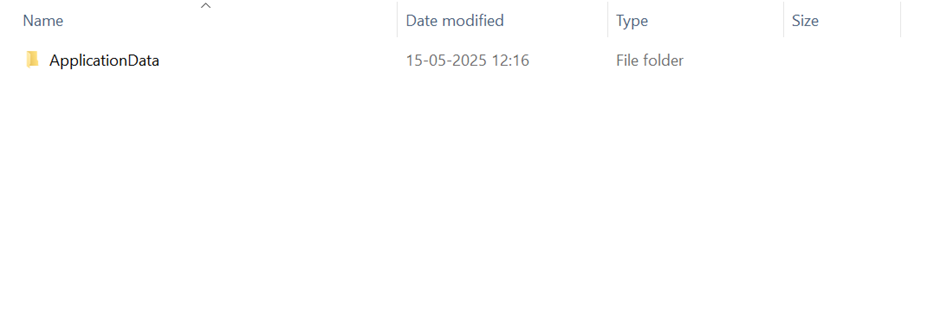
Step3: Go to the Application drive and delete the remaining files.
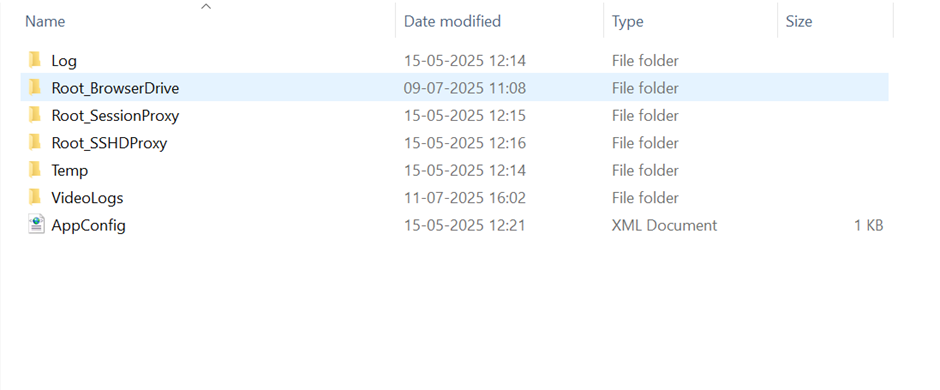
Step4: Go the Vault drive and delete the remaining files