Issue
This issue occurs when the target device uses a different Unicode character or console key for some keyboard characters.
Resolution
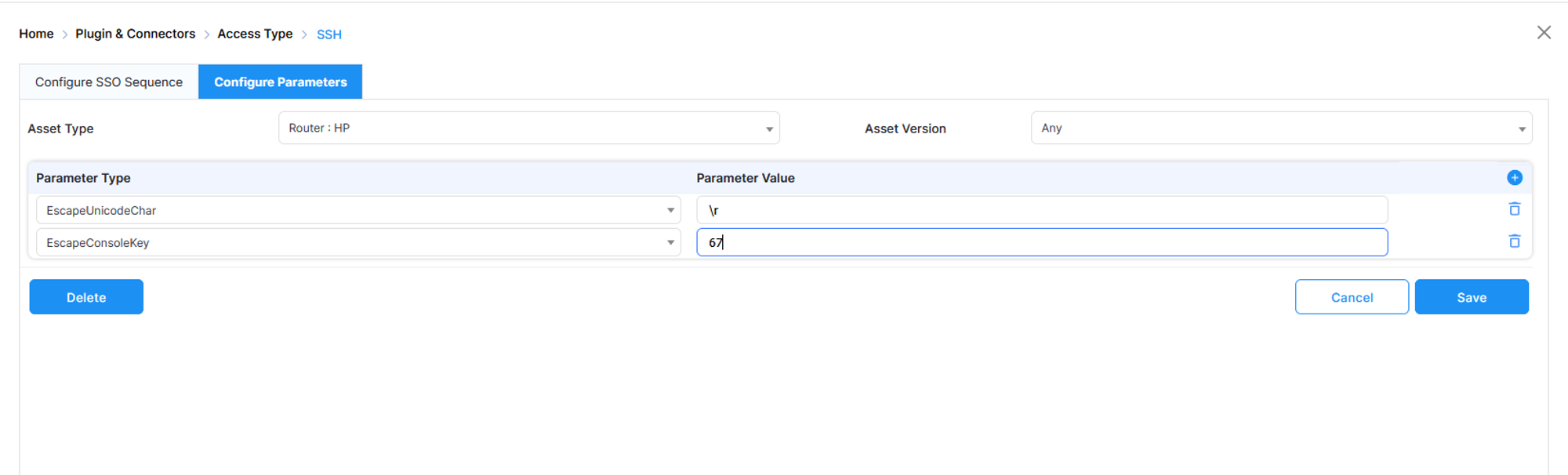
Add the Unicode character and console key to the asset.
-
Log in to the PAM.
-
Go to Platform Configuration → Plugin & Connectors → Access Type.
-
Select an access type, click Action icon, then click Configure Parameters.
-
Enter the parameter values and save.