
Issue
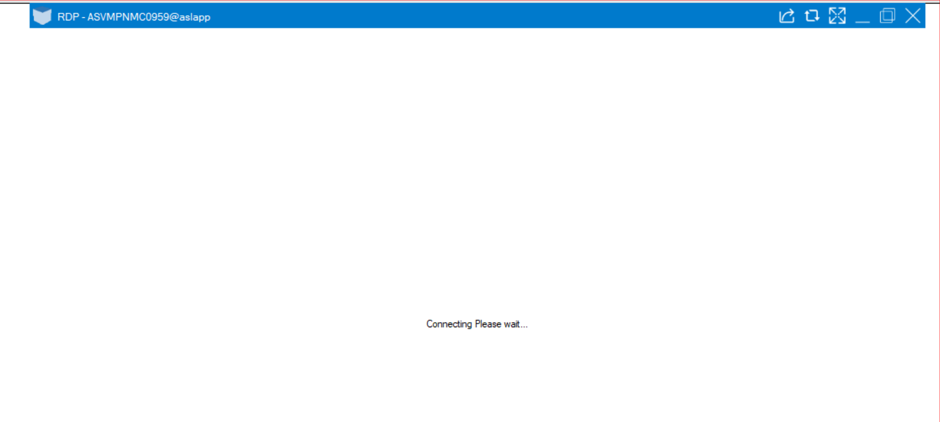
You may encounter an issue while initiating a session through PAM, where the Sectona Launcher gets stuck at “Connecting, Please Wait” and fails to establish the session.
Error: “Connecting, Please Wait”
Cause
This issue may occur when the proxy fails to establish a connection due to network connectivity issues or incorrect proxy configuration.
Resolution
-
Review the session logs for errors or entries related to proxy connectivity.
-
Identify any connection failures that may indicate a proxy-related issue.
-
Verify connectivity from the end-user machine to the proxy server on ports “22” and “1080” using Telnet.
-
Verify connectivity from the proxy server to the target asset on the respective target service port.
-
Check whether the session can be initiated using the Browser access type. This helps determine whether the issue is specific to the Sectona Launcher or also affects browser-based sessions.
-
Verify whether the correct location is configured for the target asset, if applicable. Ensure that the asset location matches the proxy configuration, as proxy selection is based on the configured location.
-
If the location is missing or incorrect, update it on the target asset and retry the session.